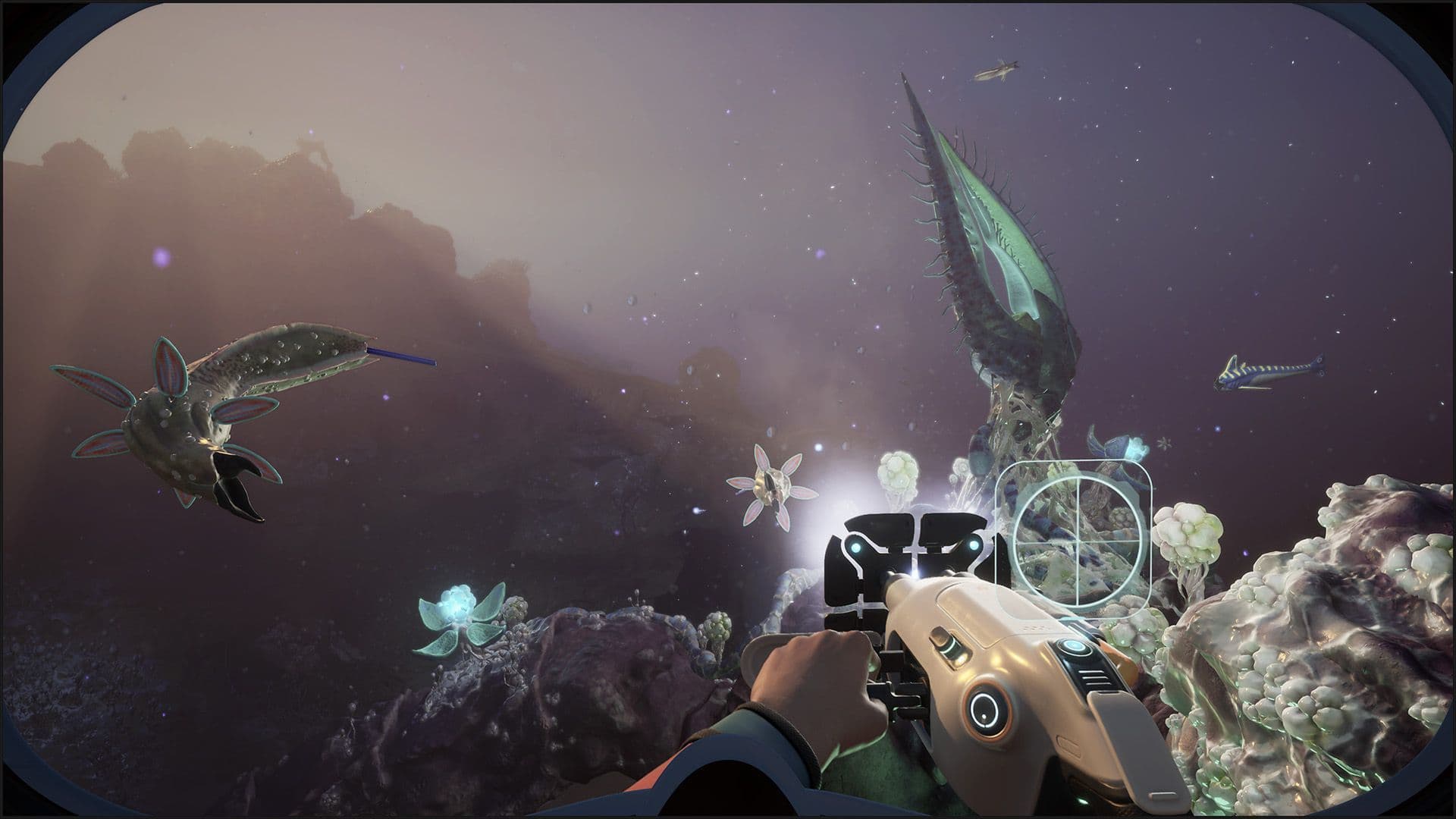
Subnautica 2 Experimental Branch Released
Hello Subnauts,
As part of our ongoing dedication to the open development process during Early Access, we’re launching the Experimental branch of Subnautica 2 today on Steam and Xbox.
The Experimental branch is an entirely opt-in experience. It allows players to preview upcoming content for Subnautica 2 in an earlier state, and helps us catch any issues before we ship features to the main Early Access build.
Experimental does often mean just that. The builds are more likely to contain bugs (potentially game-breaking), and we often caution that you not get attached to any saves while playing on this branch.
Saves are also not compatible between versions. This means you can’t import or export saves between Experimental and the main branch. But don’t worry about accidentally loading your saves on the wrong version! Saves are stored in separate locations. This means that while you are playing the Experimental version, you won't see your main saves in the game. But don't worry, if you switch back they should re-appear.
For now, our Experimental branch will not update daily, as it did for Subnautica and Below Zero. Builds will be uploaded to preview our upcoming releases shortly before release to the wider public. We may also use it to preview smaller patches and fixes between major updates.
Interested? Here’s how you can opt in to the Experimental branch.
Steam Experimental Branch
To access the Experimental branch of Subnautica 2 on Steam:
- Open your Steam Library and right-click Subnautica 2.
- Select Properties.
- Go to the 'Game Versions & Betas' tab.
- In the Beta Participation drop-down menu, select the Experimental branch.
- Close the window. Steam will automatically start downloading the update.
Xbox Insider Hub
To access the Experimental branch of Subnautica 2 on Xbox, you will need to join the Xbox Insider Program. To join the Program, you need to be 18 years old and either own Subnautica 2 or have an active Game Pass Ultimate subscription.
- Install the Xbox Insider Hub app from the Store (free) on your Xbox console or PC, if you don't already have it.
- Launch the app and sign in with your account.
- Go to Previews.
- Select Subnautica 2 Experimental (Public Test) and click Join.
- Wait for the registration to complete, then follow the prompt to install. You may need to restart your console to trigger the update.
If you want to read more about the Experimental branch, including the best way to report bugs and provide feedback, you can find an FAQ on our support website.
As always, we want to thank you for all of your support for Subnautica 2.
Keep diving!